
Funeral Program Template — Free, Editable, Ready to Print
Choose a funeral program template, add the order of service, photos and an obituary, then download a print-ready PDF you can print at a local shop the same day.
Complete proof before payment
Review every page, not just the cover.
Guided program creation
No layout or design skills needed.
From $19.99 print-ready PDF
No account required to download.
Same-day local printing
Get shop-ready print instructions.
Private and secure
Photos and details stay protected.
Browse by format or service
Funeral program templates by format and service
Five ways to start — three printed formats and two service traditions — plus a matching memorial card you can add in the editor. Every template opens with the right page structure and the order of service already in place.
See what you'll make
Funeral Program Templates You Can Print Today
Every design below is a real template from the library — pick one to see all four pages.
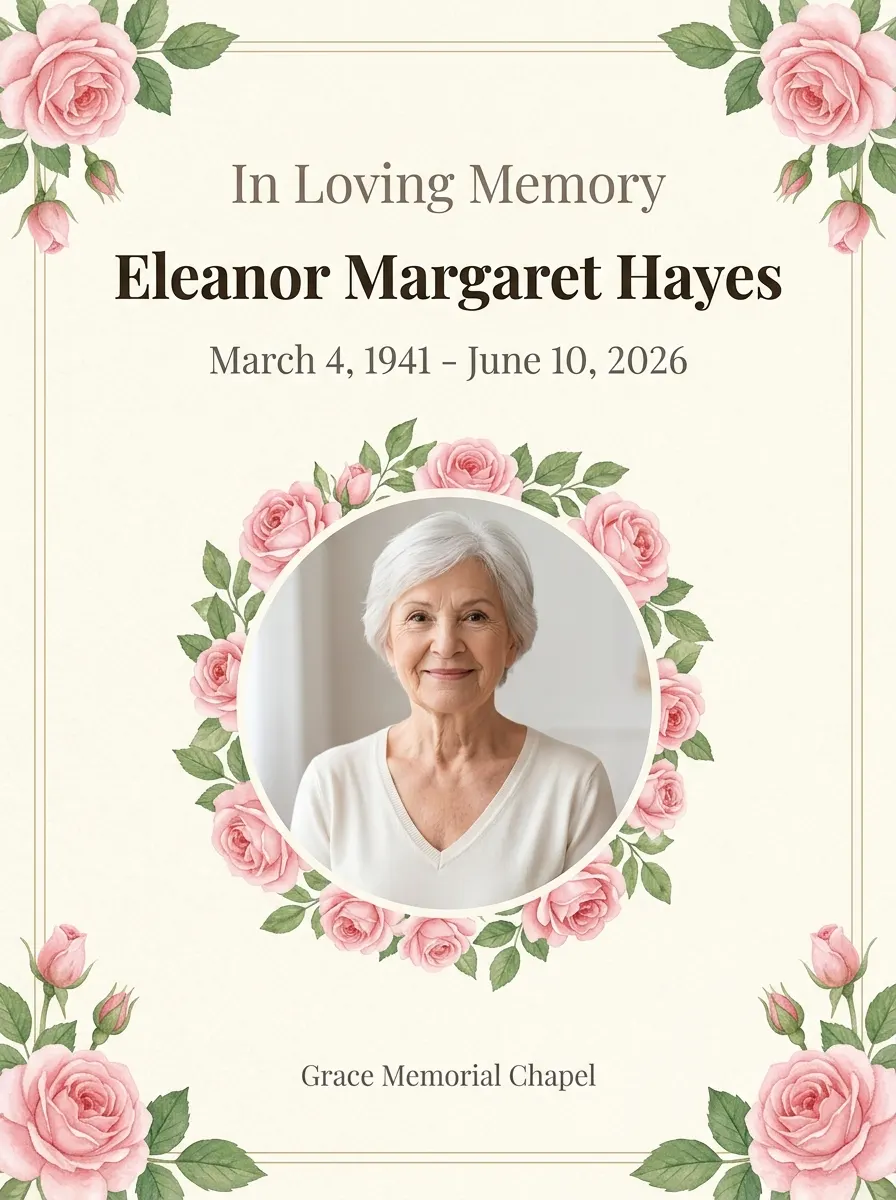
Selected template: Amazing Soul Celebration

Cover
Obituary
Service

Reading & Thanks
How it works
How to Make a Funeral Program in Three Steps
Start with the look, add the facts once, then review the proof before you download.
Choose a template
Pick a respectful layout, format, and set of finishing touches. The page structure is already taken care of.
Printable funeral program templatesTemplatesAdd details once
Enter names, dates, readings, and service parts. Everything is placed into the correct sections without retyping.
How to write an obituaryDetails & writingReview, check, and download
Proof every page, then download a print-ready file with built-in print notes.
Free funeral program PDF checkerProof & download
Why families use it
Funeral Program Tools for Every Part of the Service
Confirmed-fact AI writing
Our AI drafts the obituary from facts you confirm. Nothing is written without your review.
Service structures included
Choose from traditional or contemporary orders of service, or build your own — start from a Catholic Mass or a Homegoing outline.
Catholic funeral Mass program templateHomegoing program template
Built-in PDF checker
We check fonts, images, and layout so your program looks right, every time.
Print-ready local instructions
Clear printing guidance you can take to any local print shop today.
One memorial, every material. Details you enter once can be reused for prayer cards, thank-you notes, bookmarks, and more, whenever you're ready.
Print locally today
How to Print a Funeral Program at a Local Print Shop
File type: High-resolution PDF, print-ready
Paper size: Letter (8.5 × 11)
Layout: Two pages per sheet (bifold)
Print: Double-sided
Fold: Half-fold on the short edge
Trim: Standard margins for easy trimming
Questions families ask
Funeral Program Questions, Answered
How much does it cost to make a funeral program?
You buy the file only: one payment for a finished PDF, and you can print as many copies as you need. We do not print, ship or mail programs — no printing or delivery service is included. The exact price for each format is shown in the editor before you pay.
Is there a free funeral program template?
Yes. Browse every template, fill in the details, preview every page, and use the AI obituary writer and the PDF checker for free — no account and no card. You pay only when you download the finished PDF without the preview watermark. Most families finish in about ten minutes.
What is the difference between a 4-page, trifold and 8-page funeral program?
A 4-page program is one Letter sheet folded in half, giving four pages: front cover, two inside pages and a back cover — enough for most services. A trifold is one Letter sheet folded into thirds, giving six narrow panels for a short service or a graveside reading. An 8-page booklet is two Letter sheets nested and saddle-stitched, giving eight pages for a full Mass or a longer obituary and photo wall. Choose by how much you need to fit.
Can I print a funeral program at home?
Yes, for a small run. Use 28-32 lb paper (105-120 gsm) — the "premium" or "28 lb" ream at any office store, not the 20 lb copy paper. It is heavier, so photos do not show through to the back, and still thin enough for a home paper feed. Print one test copy first and check alignment and the fold. Avoid heavy card stock: many home printers cannot print both sides on it, and an unscored fold will crack. For a large run or professional finishing, a print shop is faster. A trifold needs a shop either way — home printers cannot place three panels on one sheet, and folding thirds cleanly needs a score line.
How do I print a funeral program double-sided?
Open the PDF in Adobe Acrobat Reader and choose Booklet, not the plain "2 pages per sheet" option — Booklet sets the page order so the sheet folds correctly, while 2-up prints pages 1 and 2 side by side and breaks the sequence. The pages are half-Letter, so two fit side by side on one Letter sheet; keep scaling at 100% (Actual size), never "Fit to page". Set double-sided to flip on the short edge, print one sheet, and fold it as a test: the cover should be outside, with pages 2 and 3 inside.
How do I write an obituary for a funeral program?
Include the full name, birth and death dates, a short life story, the surviving family members, and the service time and place if you have them. The free AI obituary writer drafts the text from the facts you type in — it will not invent dates, relatives or achievements you leave out, so the more you give it, the fuller the draft. Every word is editable before it goes into the program.
Why families trust us
Your Funeral Program Stays Private — Never Published
No public sharing and no searchable galleries. Your loved one's photos and details stay yours alone.
How we handle your dataCreate Your Funeral Program Online in Minutes
Start with the funeral program, then create matching cards, bookmarks, and thank-you notes with the same memorial details and visual style.
How to write an obituary